This committed draft is a working example of the article format. It stays out of the public article list until draft changes to false, but local preview mode serves it at /articles/loader-check.
Note
Run the content check before previewing or publishing an article. It checks drafts as well as published work.
Highlighted code
Name a code fence to add server-rendered syntax highlighting. Unknown names still render as escaped plain code.
Math
Inline math fits within a sentence, such as . Display math gives a larger expression its own line:
Here, is clear writing, is useful media, and is careful review.
Mermaid
The exact mermaid fence name marks a diagram. Its source remains readable if the browser cannot draw it.
flowchart LR
    Draft["Draft in articles/"] --> Check["Run content-check"]
    Check --> Preview["Preview locally"]
    Preview --> Publish["Set draft to false"]
Vega-Lite
The exact vega-lite fence name marks an inline chart. The spec includes a description and keeps all data in data.values.
{
  "description": "Checks completed at each step of the article workflow",
  "data": {
    "values": [
      { "step": "Draft", "checks": 1 },
      { "step": "Review", "checks": 3 },
      { "step": "Publish", "checks": 4 }
    ]
  },
  "mark": { "type": "bar", "cornerRadiusEnd": 4 },
  "encoding": {
    "x": { "field": "step", "type": "nominal", "title": "Workflow step" },
    "y": { "field": "checks", "type": "quantitative", "title": "Completed checks" }
  }
}
Captioned local image
The image file lives with the site's local assets. Its alt text describes the image, while its Markdown title becomes the visible caption.
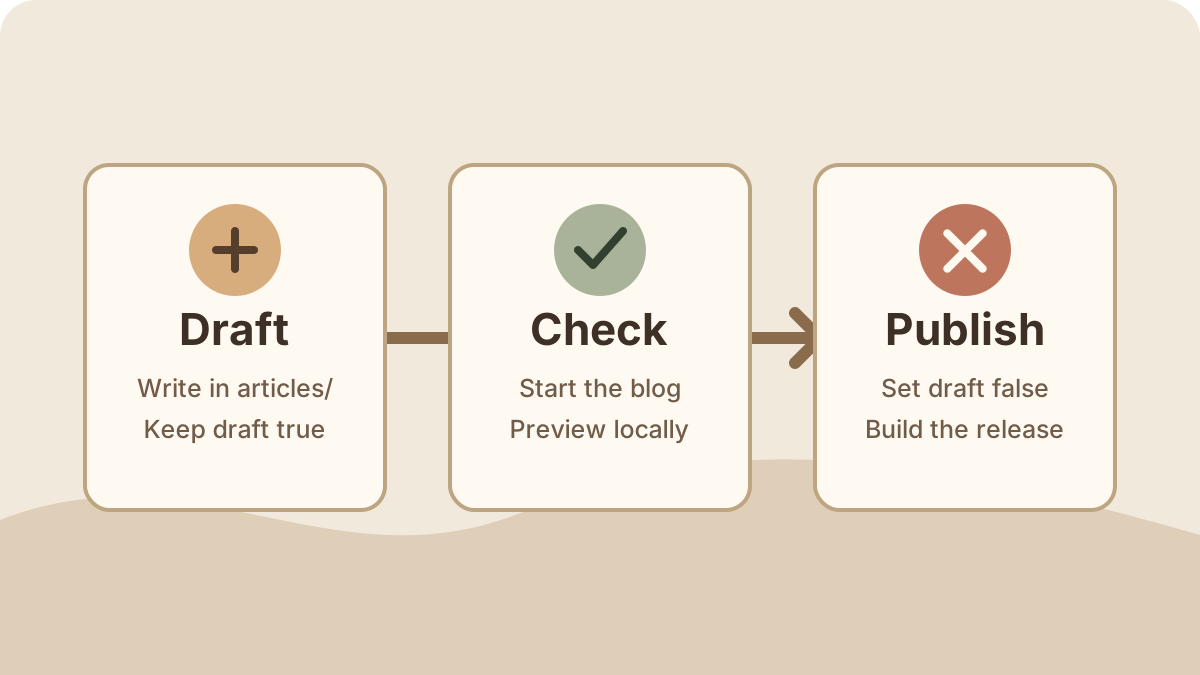
The full authoring steps live in the repository at docs/authoring.md.1
-
Keeping the example in
articles/means the same parser checks this draft and public articles. ↩